How to Register Your Vehicle

Open the Smart Parking
App after download
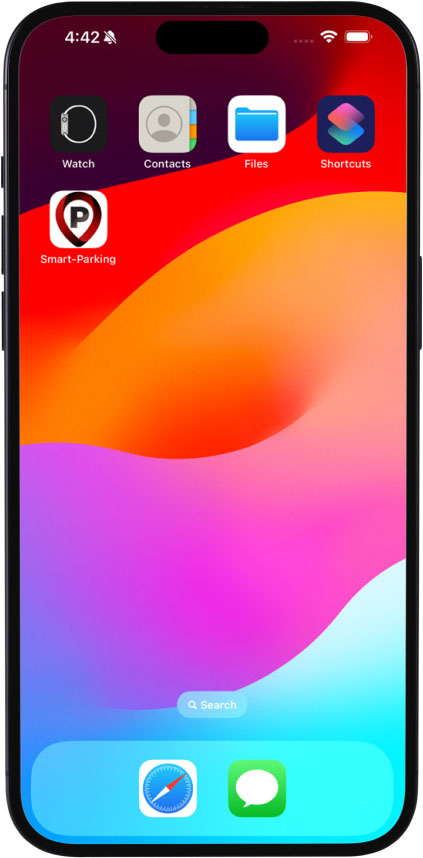

On the home screen:
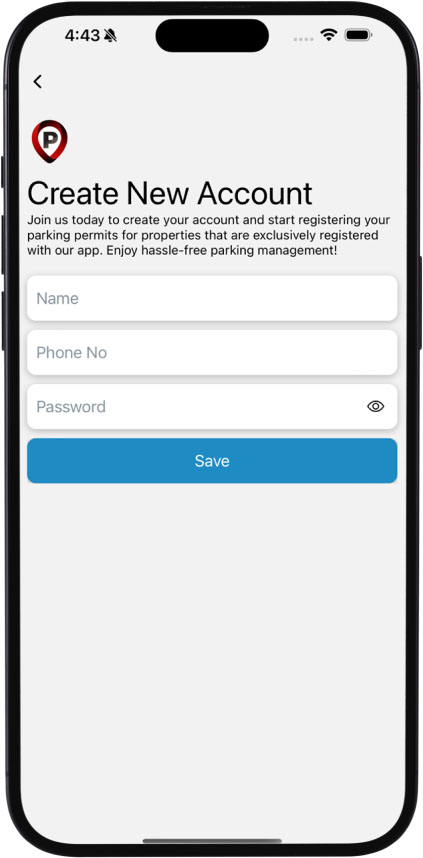
Create an account or log in
Create an account or log in
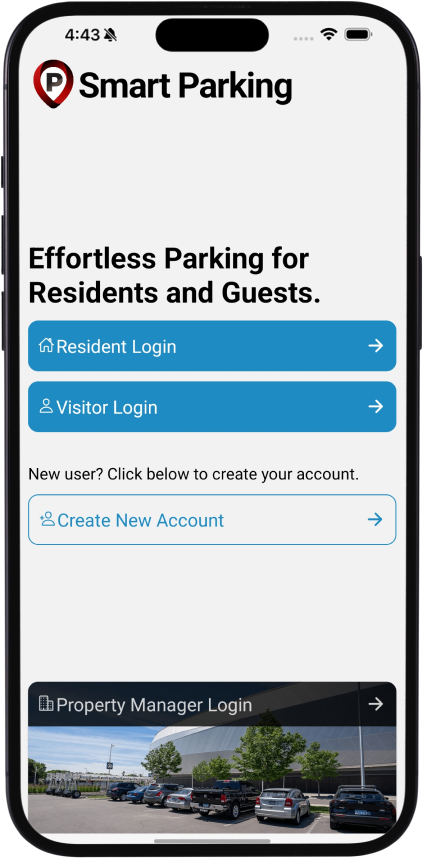

First time visitors must
create a new account
create a new account

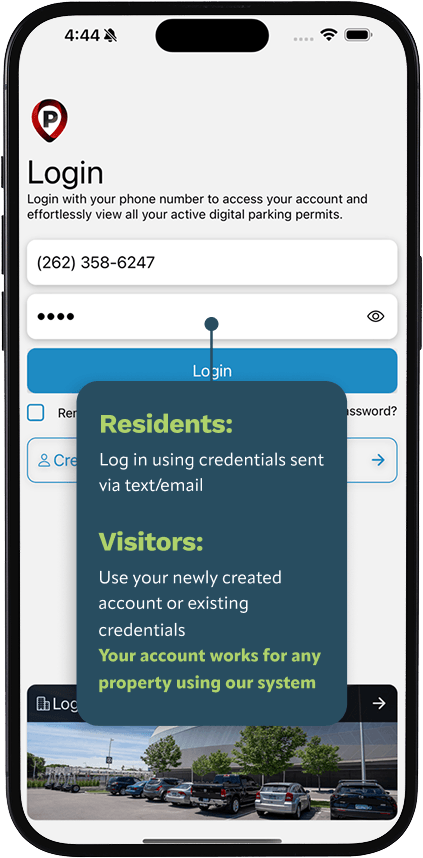
Login Methods for
Residents & Visitors

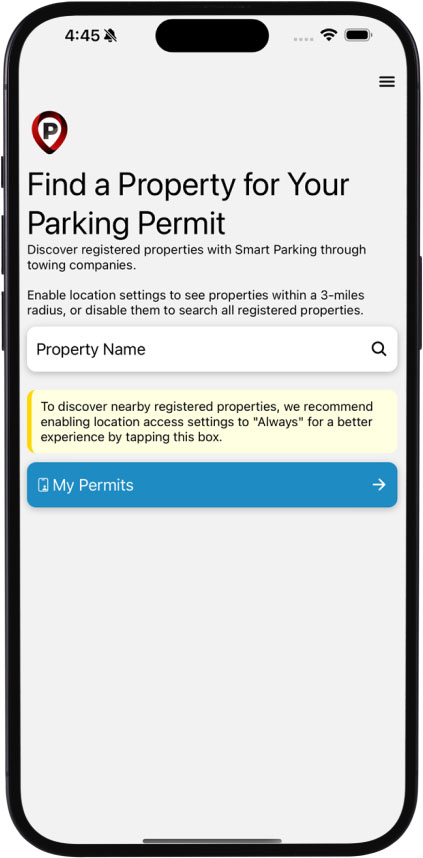
Access your
dashboard
dashboard

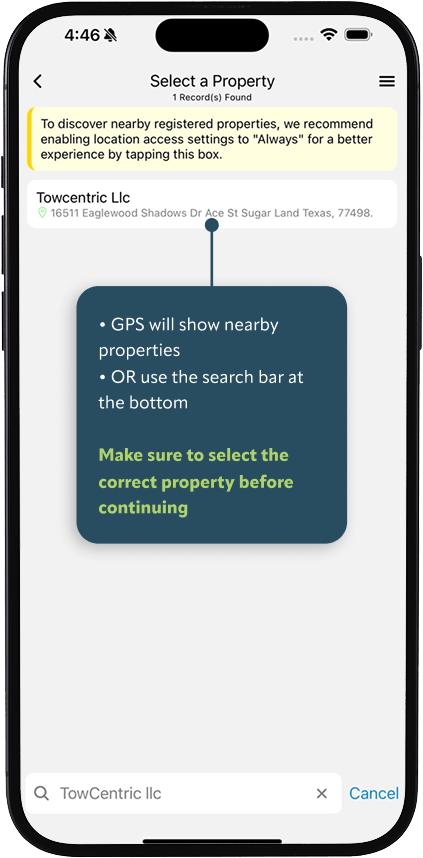
Find your
property
property

Select the
appropriate permit
appropriate permit
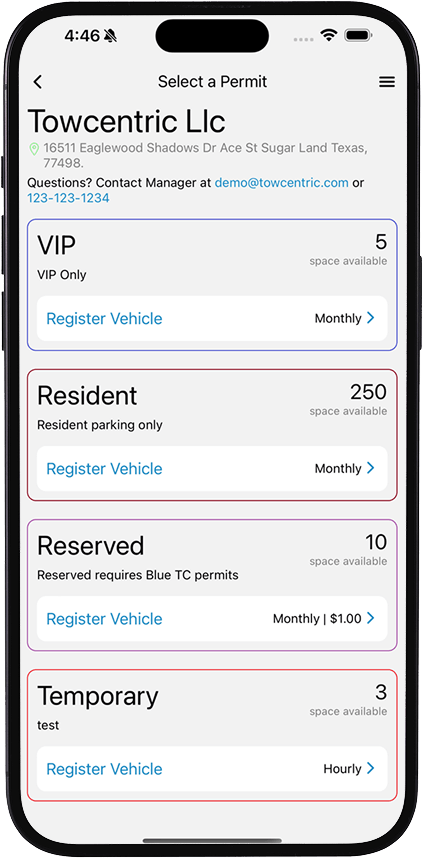

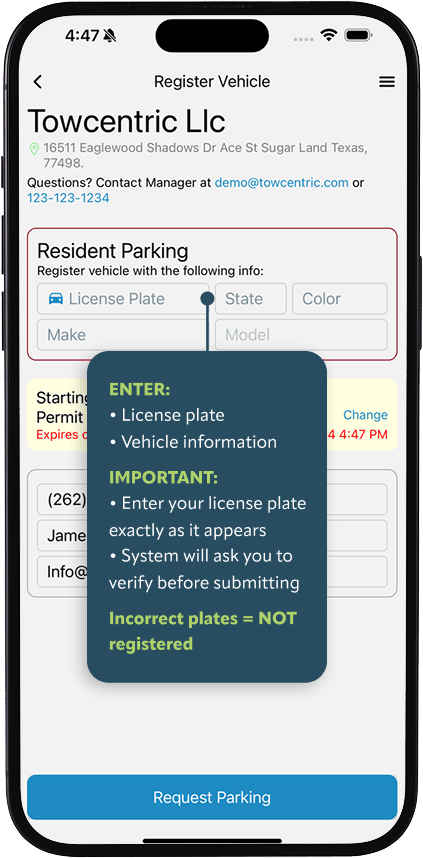
Register your
vehicle
vehicle

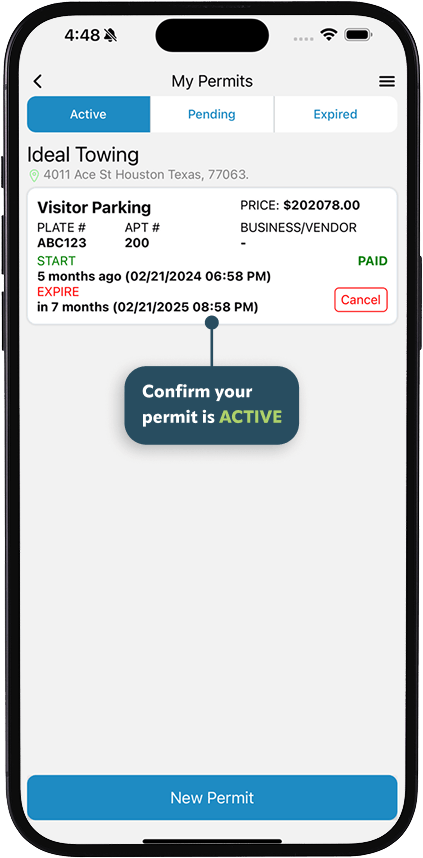
Go to “My
Permits”
Permits”
PARKING ENFORCEMENT NOTICE
Unregistered or incorrectly registered vehicles are subject to towing
FINAL REMINDER: If your vehicle is not in the system, it is NOT authorized to park
DOWNLOAD SMART PARKING APP
Scan QR or search “Smart Parking” in the App Store or Google Play
Required to park and avoid towing